Settings panel

Overview
It is Excelsior's philosophy to only expose settings that consistently preserve a photoreal quality.
We've tried our best to keep the SETTINGS panel as tight as possible.
Resolution
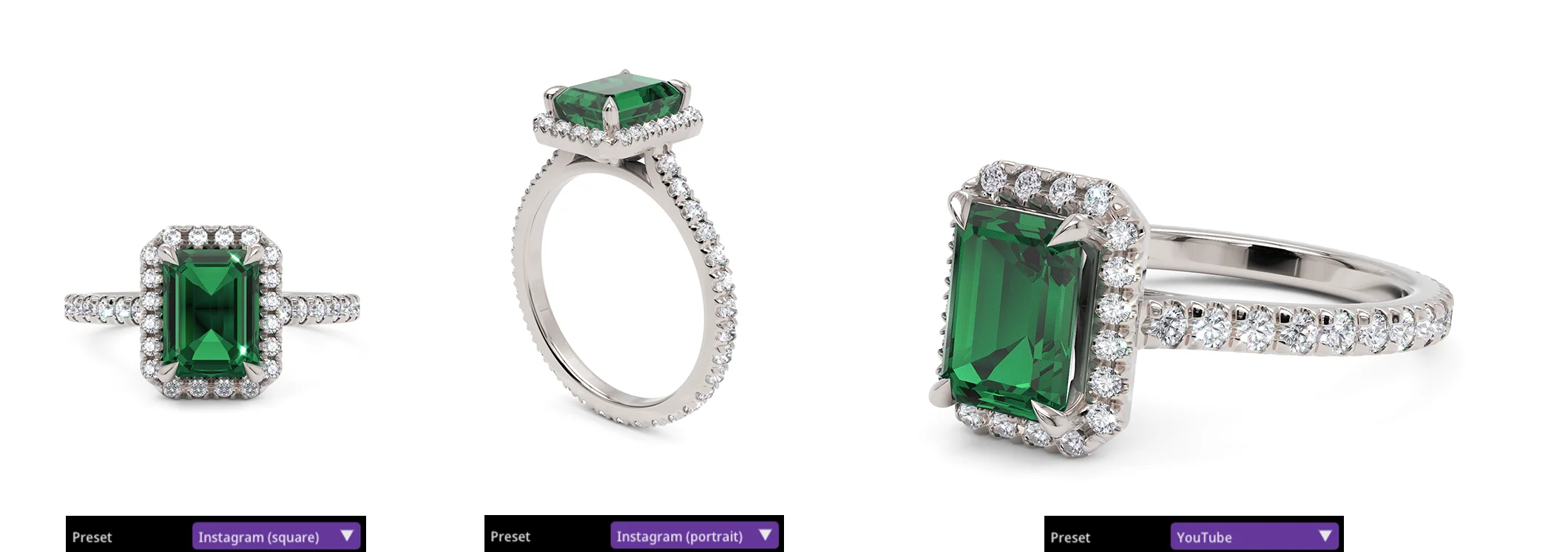
Choose a preset or set a custom resolution (up to 2K):
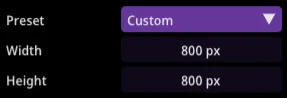
| Preset | Dimensions |
|---|---|
| Custom | Up to 2048 x 2048 |
| Instagram square | 1080 x 1080 |
| Instagram portrait | 1080 x 1350 |
| YouTube | 1920 x 1080 |
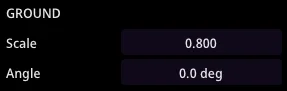
Ground
These attributes are available when a Floor ambience is enabled. With them you can adjust the floor texture Scale and Angle to your liking:
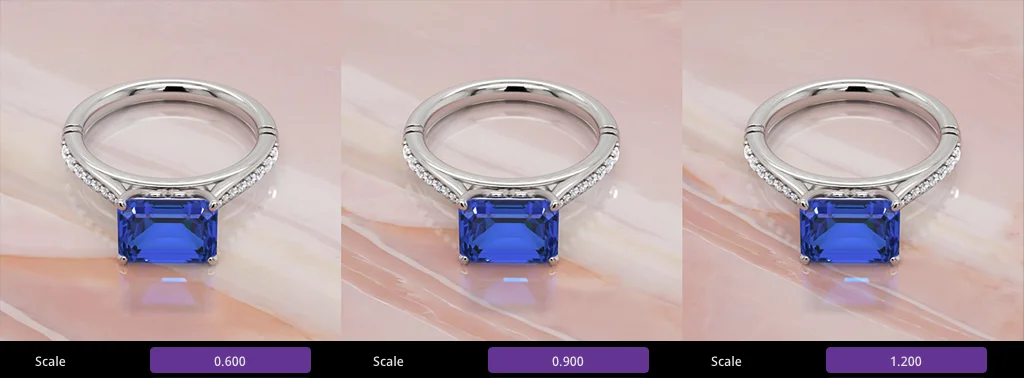
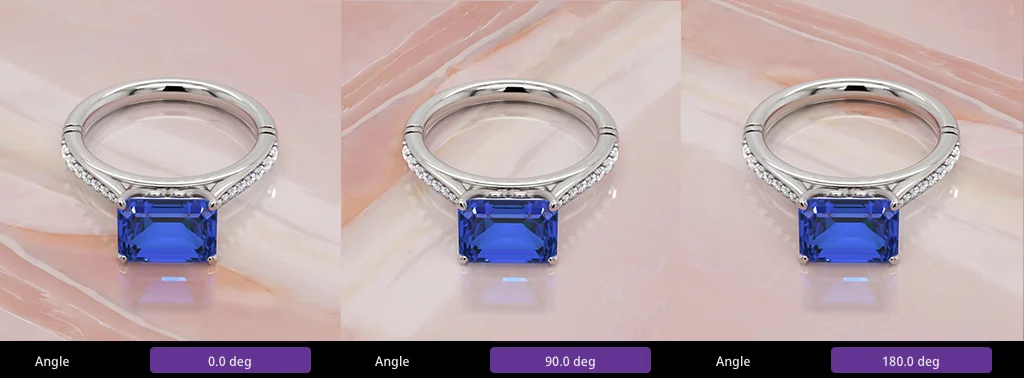
Ambience
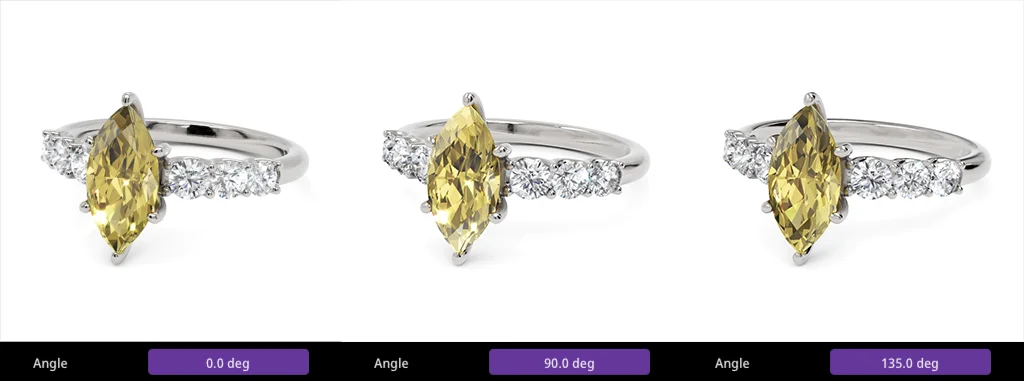
This angle rotates the environment, which in turn tweaks reflections.
Shadows
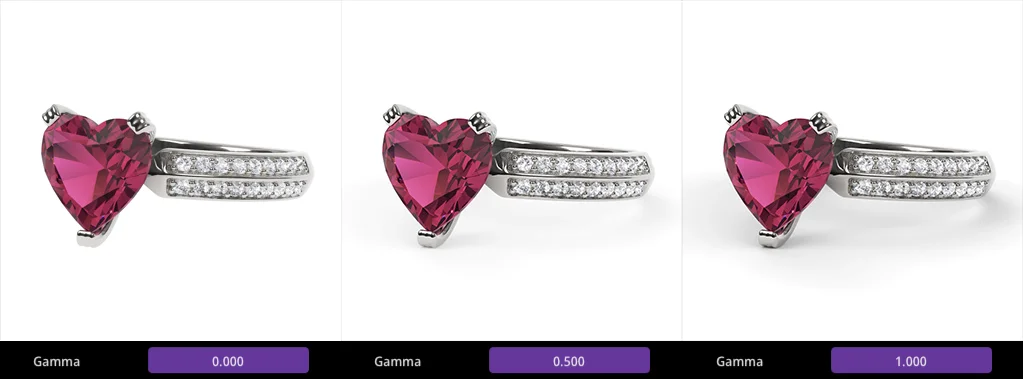
The gamma value controls shadows darkness or eliminates shadows entirely.
Mirror
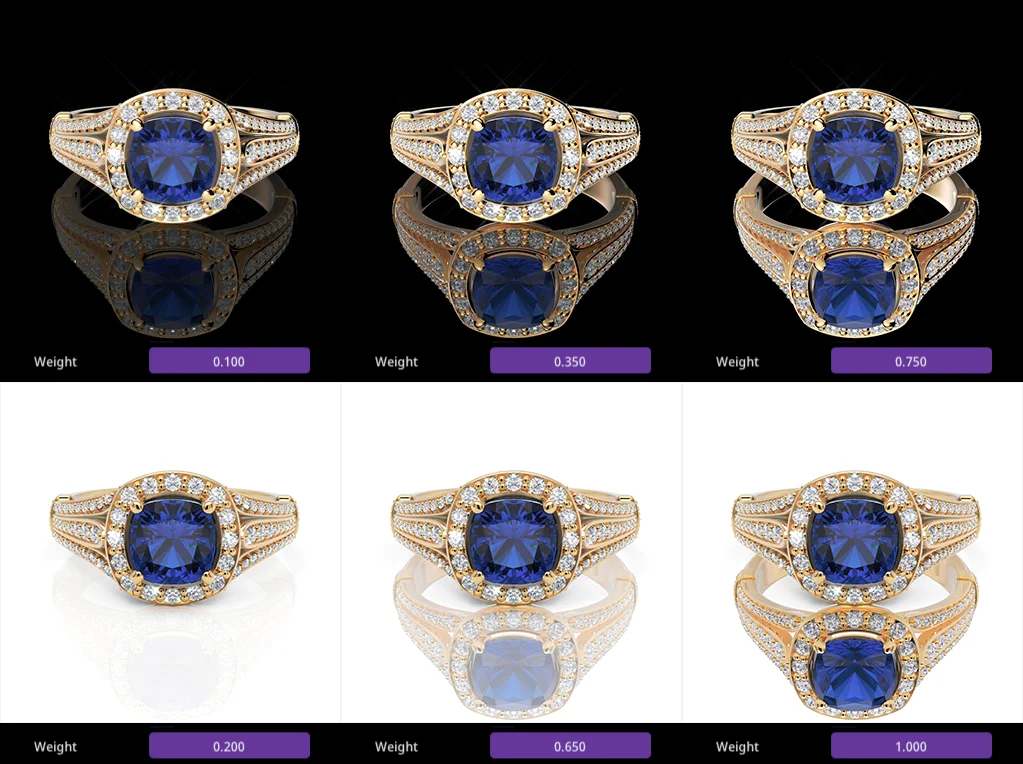
These two attributes enable floor reflections and set their Weight.
Glare
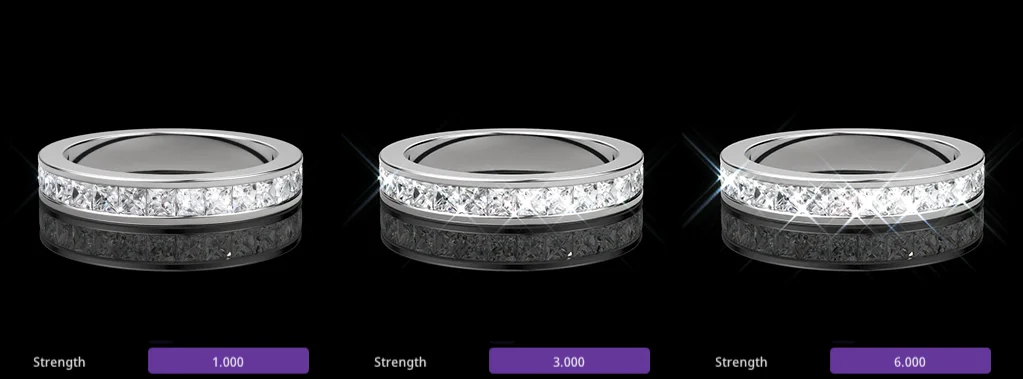
These two attributes enable gemstone sparkles and adjust their Strength.
Round edges
These attributes automatically bevel the edges of your model to improve its natural appearance.
The Radius controls the bevel size. Values in the range [1.5-3] are recommended.

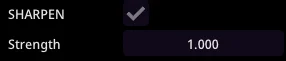
Sharpen
The toggle and strength attribute can be used to counteract anti-aliasing blur. Strength values in the range [1-1.5] are typical.