Camera panel

Overview
In the CAMERA panel, you can store and recall your preferred viewpoints.
Besides your own saved cameras, some default orientations (Front, Left, Top and Perspective) are also provided.
Note
Saved cameras will be stored in your user account and will appear in the list even across sessions.
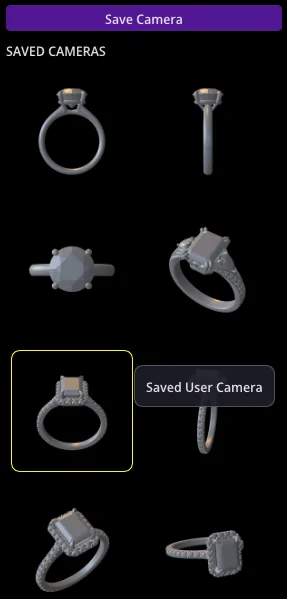
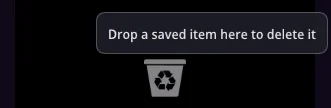
In order to delete unwanted saved cameras simply drag them to the trashcan icon at the bottom.
Optics
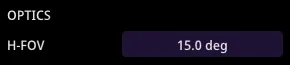
You can also adjust the H-FOV slider to change the field of view of your camera.
Warning
Set your ring pose before recalling saved cameras. A camera built for a vertical ring won't properly frame a horizontal pose.
YouTube tutorial
In this video tutorial you will learn how to use the Maverick Excelsior Camera panel.

Available also in Spanish: