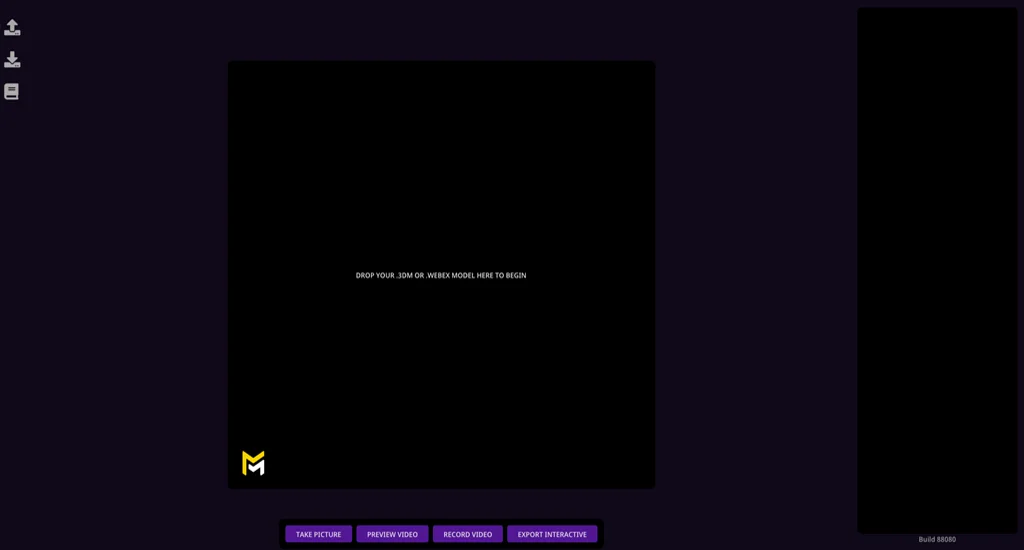
Licensing Maverick Excelsior
Warning
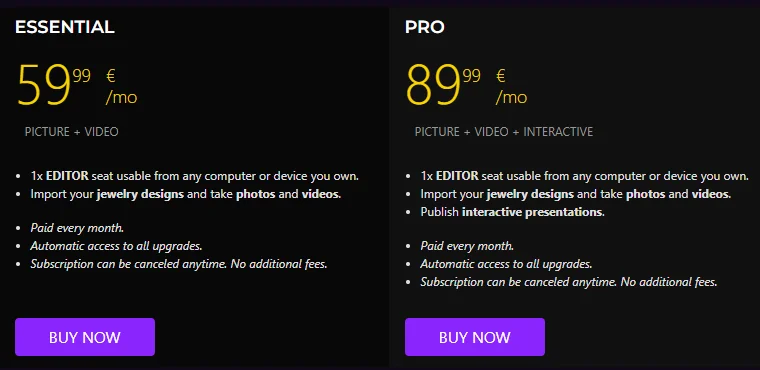
In order to use the Excelsior Editor, you must first choose and SUBSCRIBE to one of the two available plan options: ESSENTIAL or PRO.
Choosing the right plan
The best plan for your business depends on the kind of content you intend to create with Maverick Excelsior:
| ESSENTIAL | PRO | |
|---|---|---|
| Render pictures | Yes | Yes |
| Render videos | Yes | Yes |
| Publish interactive models online | - | Yes |
In short, while you can render images and videos in both plans, only the PRO version will allow you to publish interactive models online.
Once you have chosen, follow these steps to get started:
Creating an account
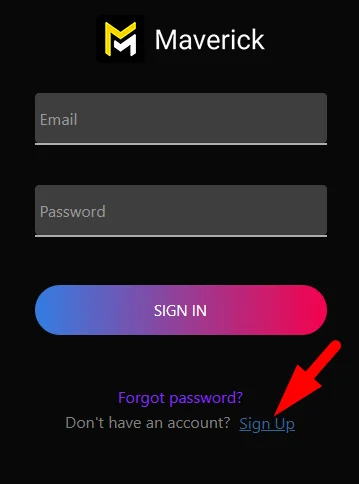
Head to the SIGN IN area in our website (top menu, rightmost option).

There, create an account if you don't have one already using the Sign Up option at the bottom.
Warning
Maverick Excelsior and Maverick Render are separate products/websites and each requires its own account.
Subscribing to a plan
Head to the BUY area in our website and proceed to subscribe to the plan of your choosing.

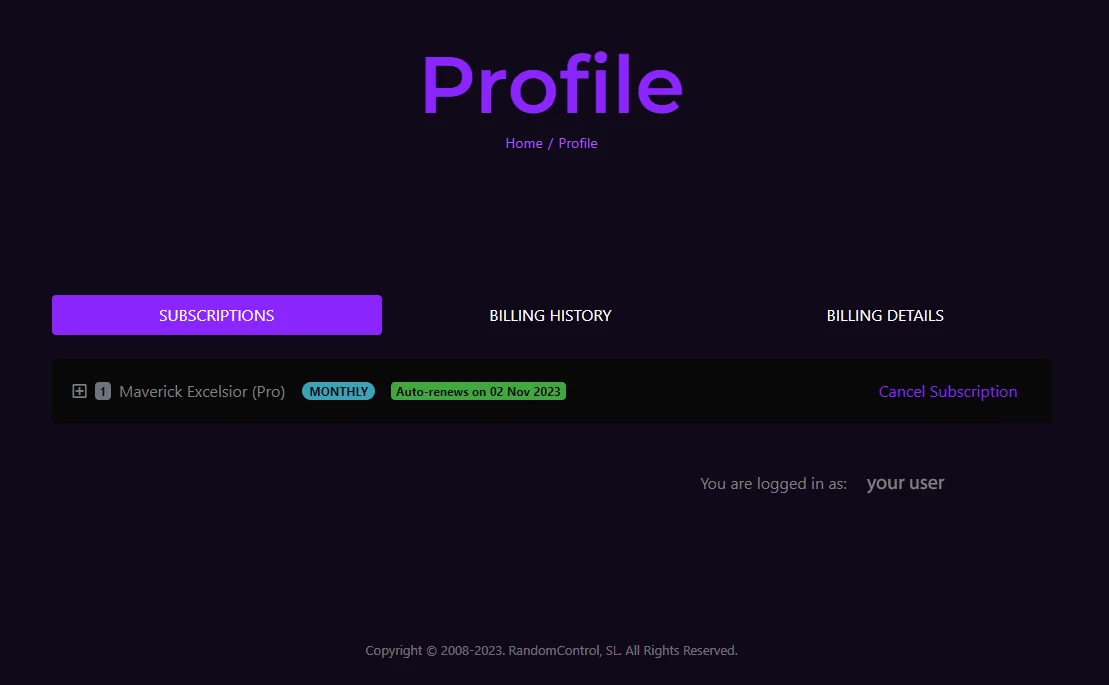
Once you are subscribed, your license will appear in the PROFILE area of the website.
From the PROFILE area you can also manage your invoicing details, payment method, or cancel your subscription anytime.
Accessing the editor
When a user with a running subscription is logged in, the top menu will display a section called EDITOR.

This is where the Excelsior Editor is accessed from.
Note that the Excelsior web application is used directly from our website. This means that you won't be required to install any software, or ever care about GPU drivers or version updates.
Important
The editor only works if you have an active subscription plan. For users without a subscription, the EDITOR menu entry will redirect to the BUY page.